Smart Maps for Plug&Play Preset Selection
The MIDI engine in Camelot is not limited to sending only basic messages, it delivers you a plug & play experience with your Instruments. Camelot Smart Maps deeply communicate with Hardware devices, allowing you to recall your hardware presets with minimal knowledge of MIDI.
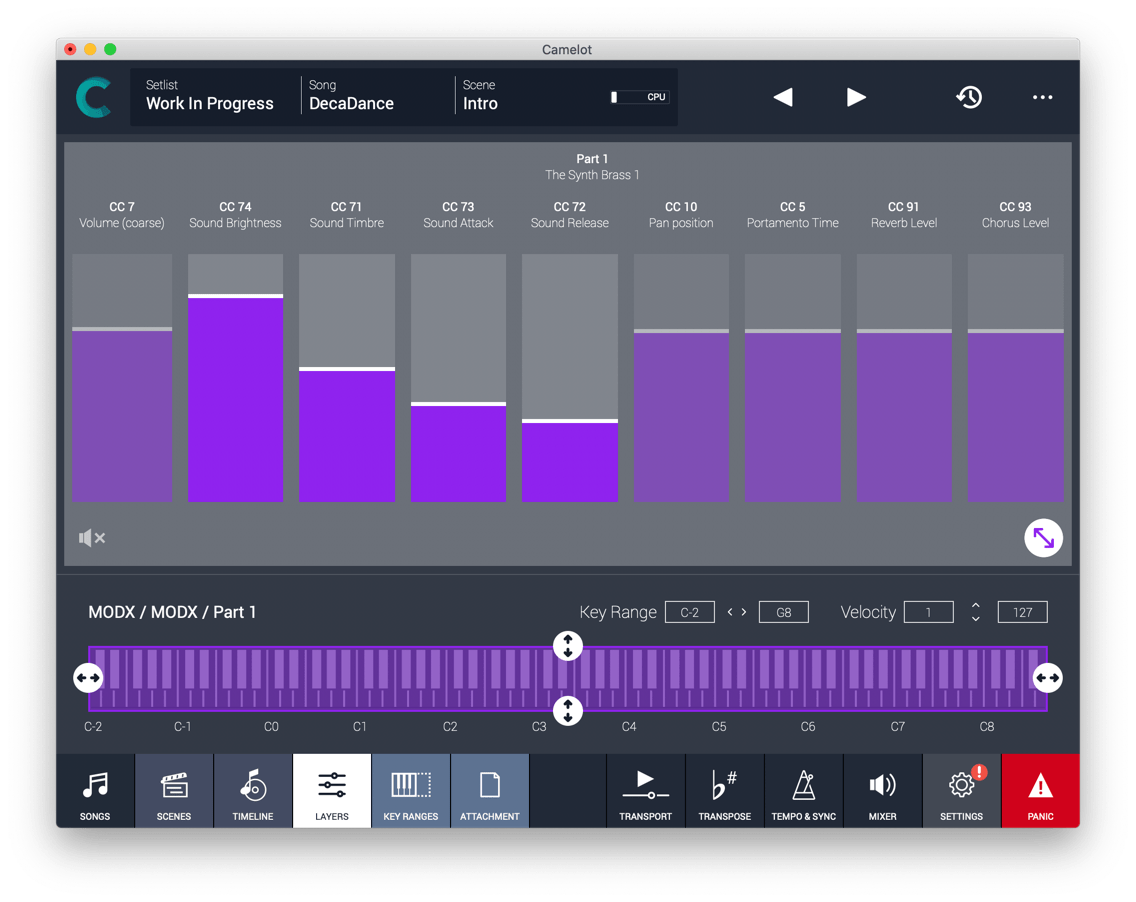
CC Controls for quick sound tuning and tweaking
You can tweak your sounds without creating new presets on your instruments. Expand the Item, select the CCs and move the Faders to apply changes to the Tone Generator.
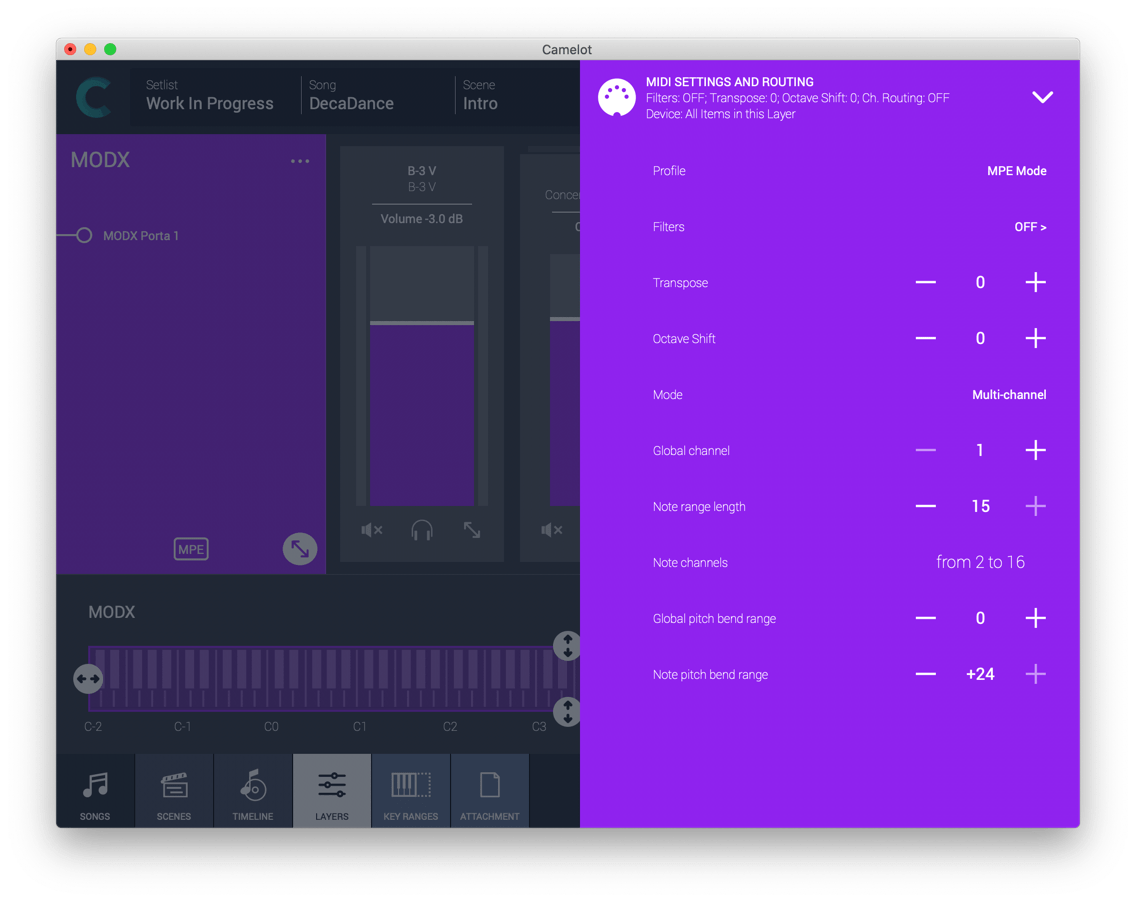
MPE Quick Sound Configuration
If you are familiar with MPE Controllers, you know that it requires time to build a multipart preset that can be played by them. Camelot allows you to select a sound preset with ease from a multi-part hardware instrument and replicates it to the other MIDI channels with the same pitch bend range and level. Easy.
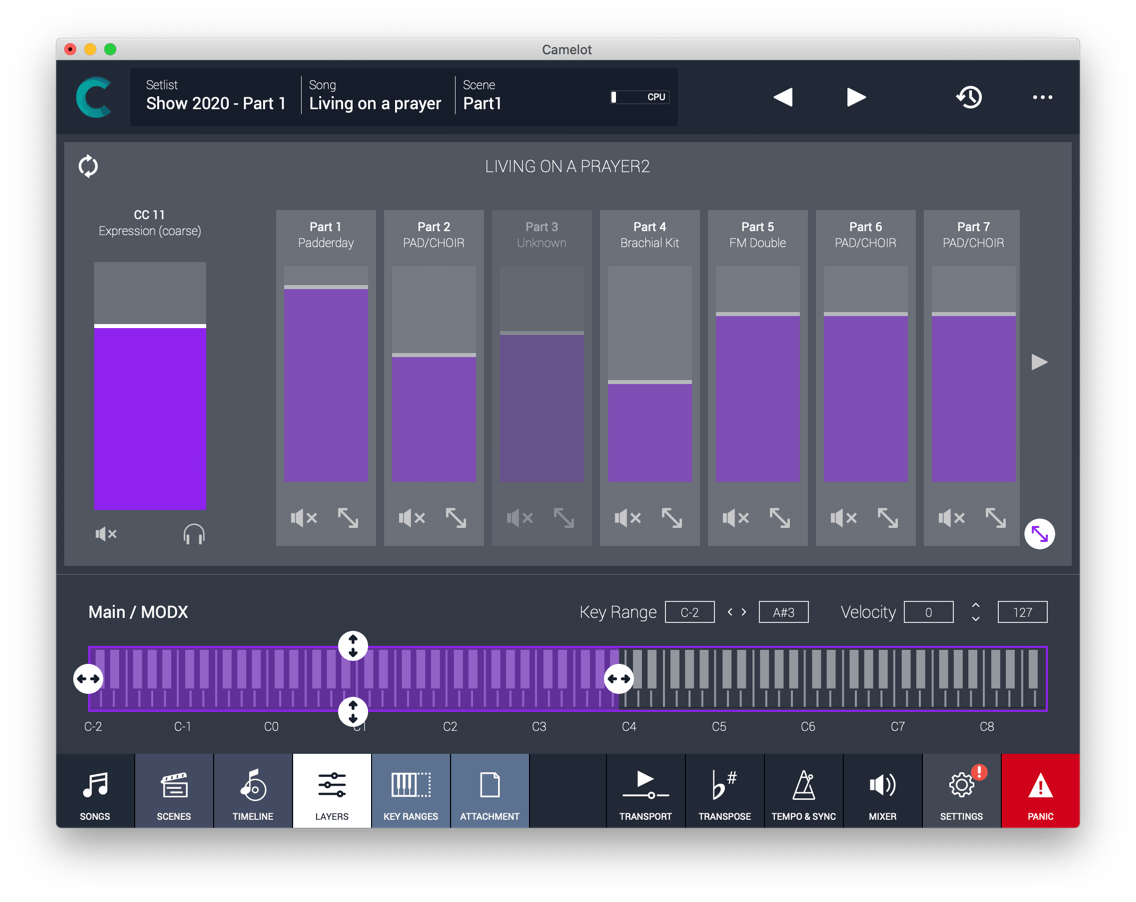
Multi parts Controls
You can switch modes or manage multi-part patches in Camelot without accessing the panel of your instruments.
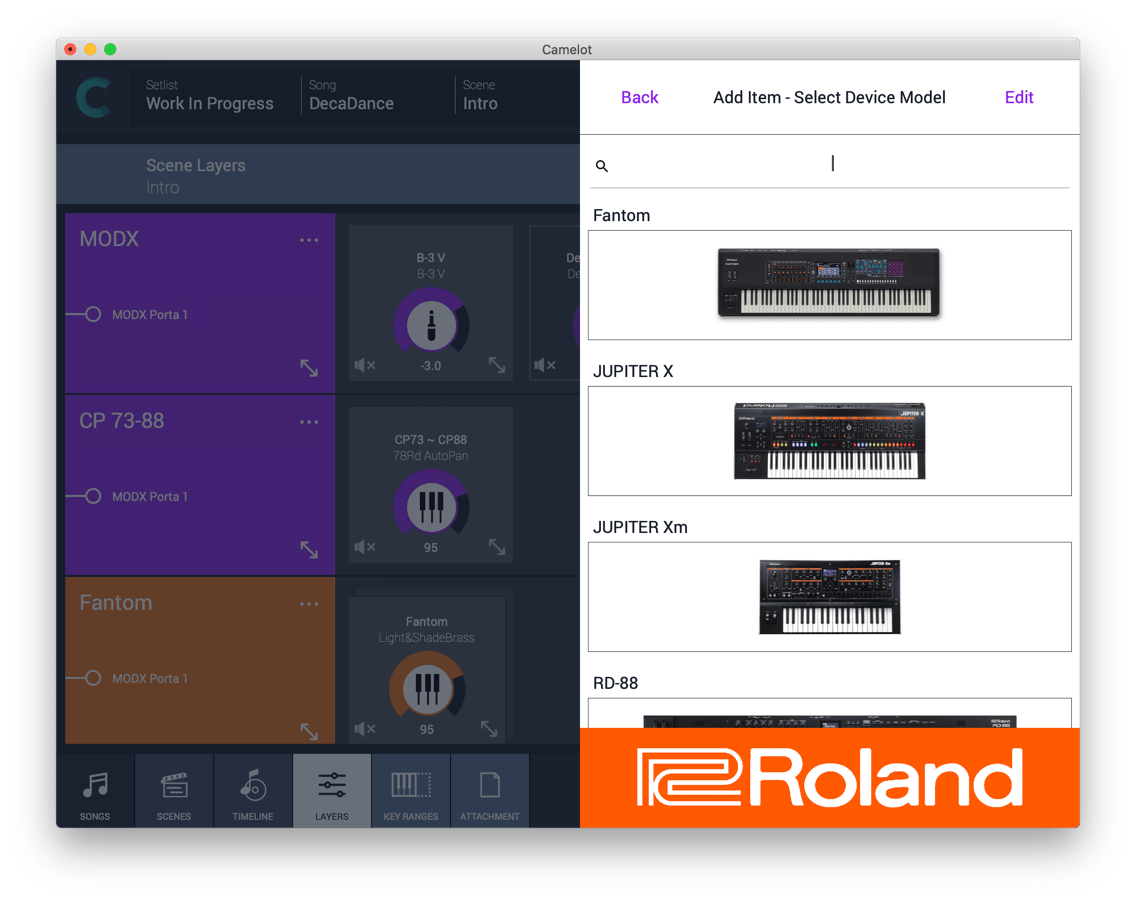
Multiple Device Manager
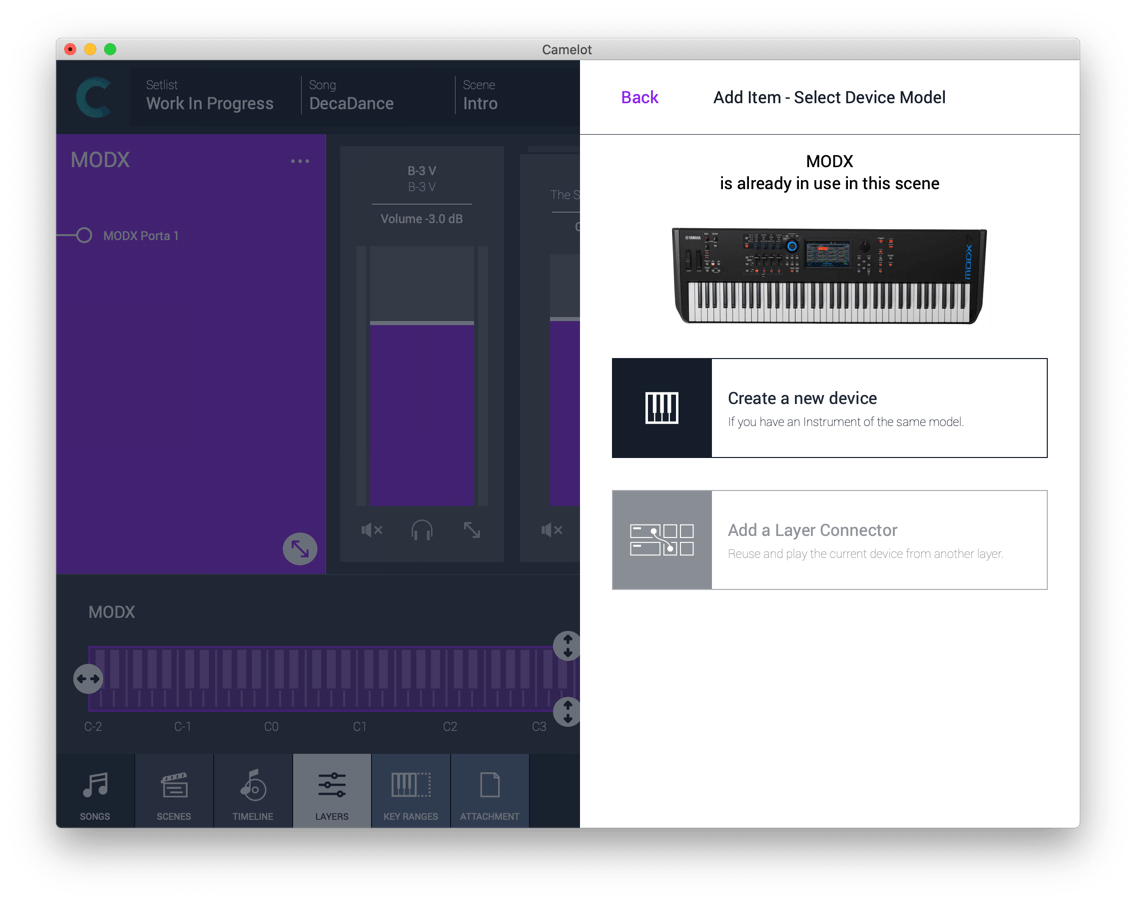
From Camelot 2.0 you can have separate instances of Smart Maps to manage multiple devices of the same model, so you can have, for example, a Yamaha Montage 6 and a Yamaha Montage 8 at the same time with separated maps and presets lists.
Was this article helpful?
That’s Great!
Thank you for your feedback
Sorry! We couldn't be helpful
Thank you for your feedback
Feedback sent
We appreciate your effort and will try to fix the article